Print Worksheets
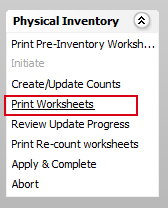
- To print worksheets click Print WorksheetsPrint Worksheets under the Physical Inventory section on of the Inventory Management Sheet bar.
- The Print Inventory WorksheetsPrint Inventory Worksheets dialog is displayed with the configuration settings created in the Create / Update Counts session.
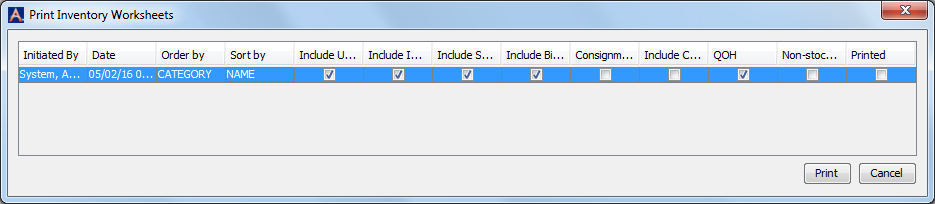
- Select the session to print worksheets for and click Print.
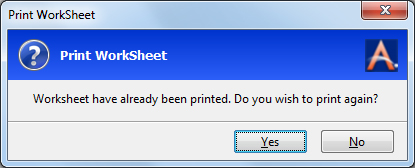
- If the worksheets have been printed already, a Print WorkSheetPrint WorkSheet message, “Worksheets have already been printed. Do you wish to print again?” is displayed. Click Yes to print the Worksheets.
- A Select Options messagemessage is displayed. Select the options as appropriate.
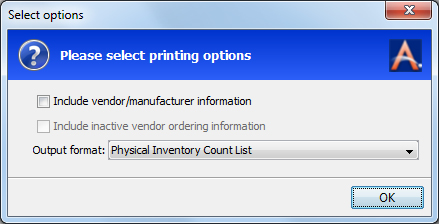
- Click OK.
- A dialogdialog with report output options is displayed.
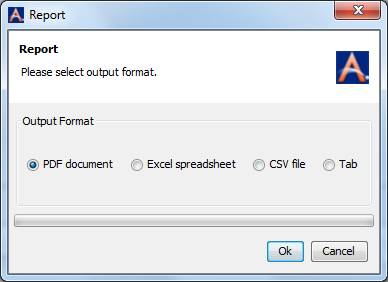
- Select an option and click OK.
Inventory Management Topics